
Do you also work with SVG images in Power Apps a lot and, like me, always end up wrestling with the right code? Copy-pasting, replacing double quotes for single quotes, or letting AI just do its thing? Even though it’s not rocket science, you still find yourself hunting for it every time—and a typo is so easily (and in my case: regularly) made 😬
There’s help nearby now 🚀 Just download the Power Apps SVG Converter browser extension for Google Chrome here or Microsoft Edge here
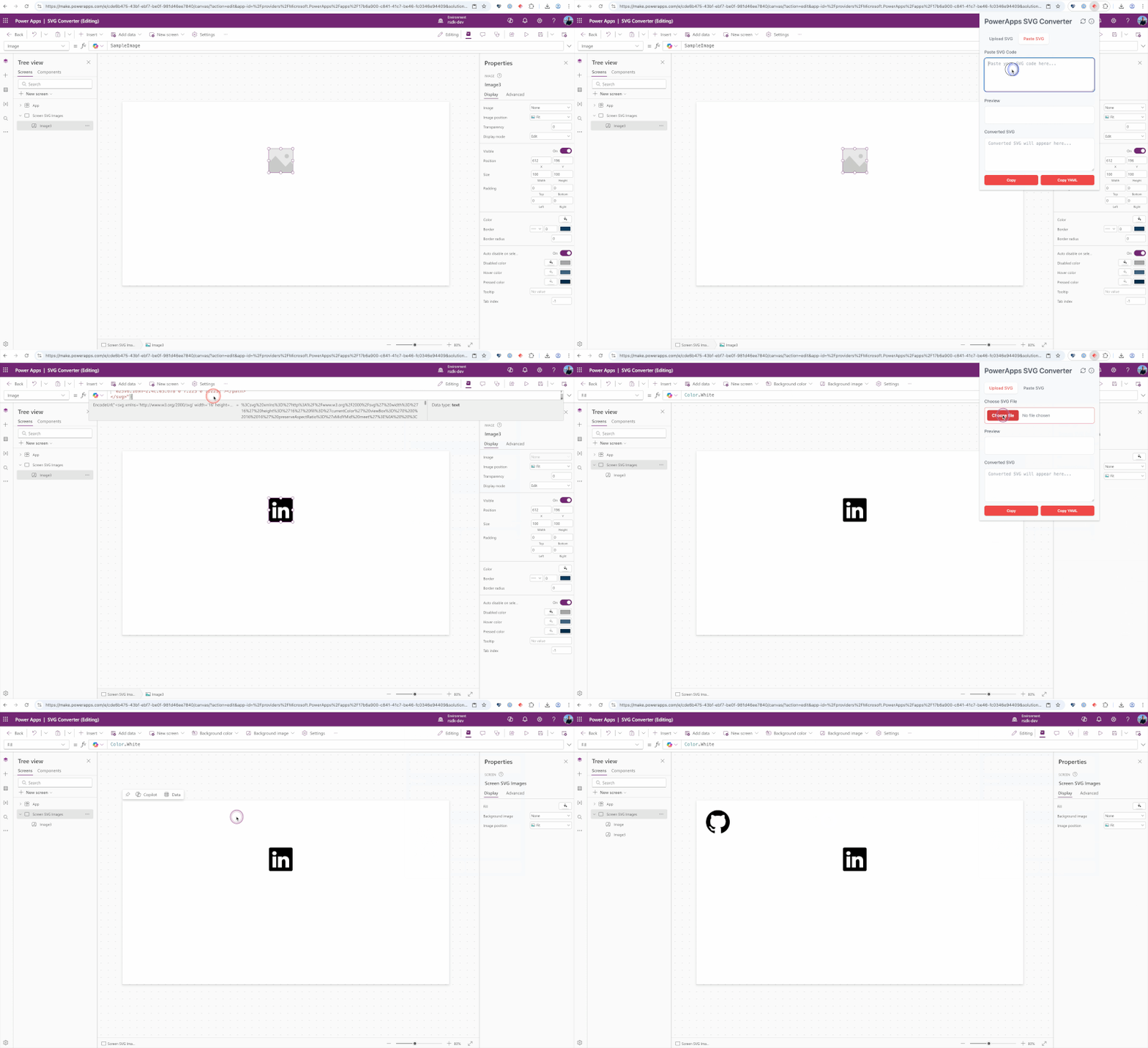
How to use the extension:
1️⃣ Upload an SVG file or paste SVG code
2️⃣ Check the preview
3️⃣ Copy the Power FX code or a full YAML snippet
4️⃣ Paste the result into your Canvas app
More information, questions or feedback, visit the Github repository